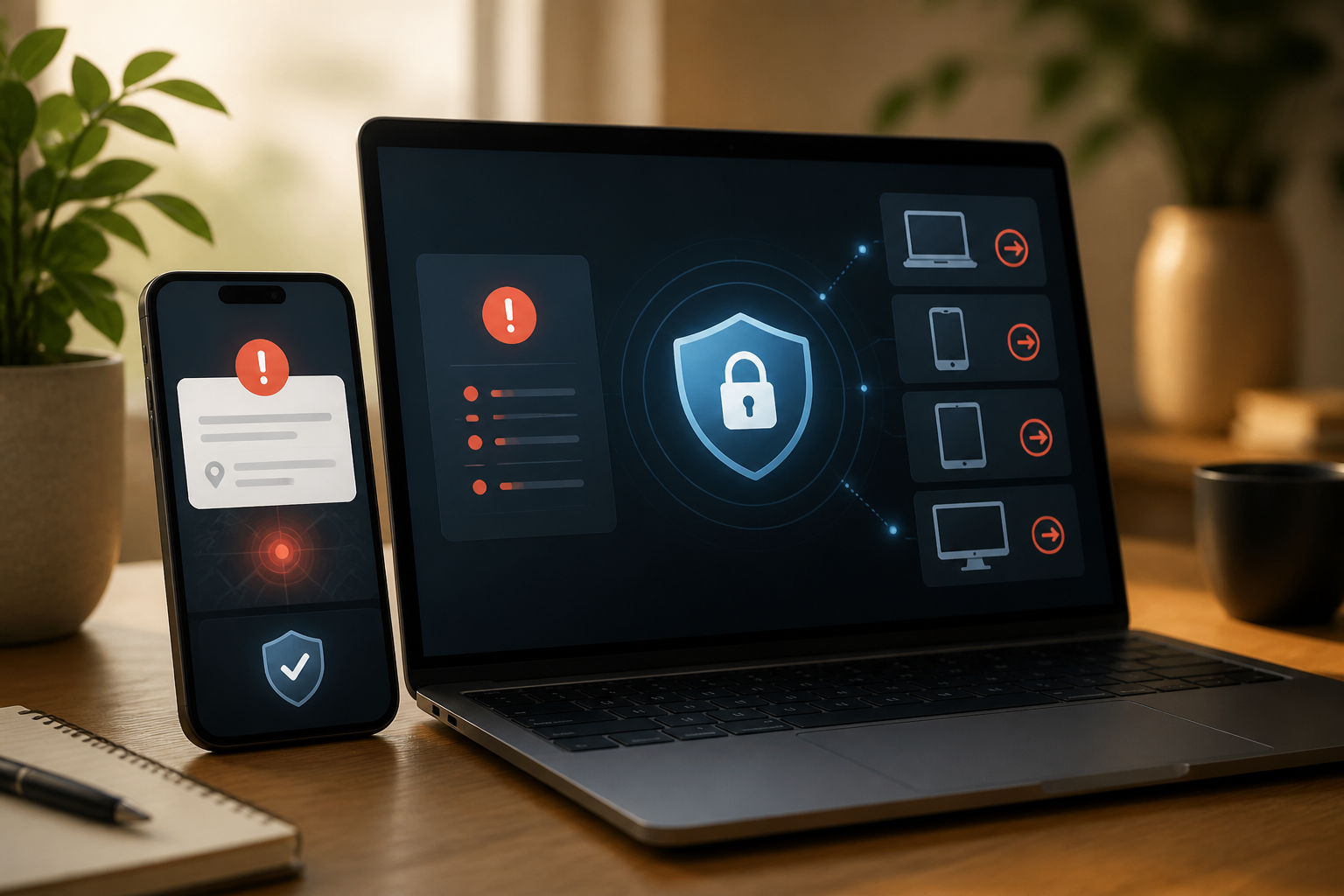
Friends suddenly receive strange messages from your account. There are posts that were never made, emails sent on their own, or login notifications from unknown devices. Many people immediately change their password and think the problem is solved. However, the account may still be open on other devices or continue to grant access to suspicious applications.
This situation is commonly referred to as account takeover, which occurs when someone else successfully uses your account as if they are the owner. The causes can vary: reused and leaked passwords, verification codes given to scammers, infected devices, or active login sessions on computers that were previously used.
Signs that your account may have been taken over
One sign does not necessarily mean the account has been hacked. For example, a login location that appears unfamiliar may arise from a mobile network or VPN. However, the following signs should be checked together:
- There are notifications of password changes, recovery email, phone number, or security settings that you did not make.
- Friends receive messages, links, money requests, or investment invitations from your account.
- There are unknown devices, browsers, or login sessions appearing.
- Certain emails have been read, deleted, or forwarded without your knowledge.
- There are third-party applications and services that have gained new access to the account.
- You suddenly get logged out of the account or cannot log in with the usual password.
Do not rely on a single indicator. Check account activity, connected devices, and changes in settings. Importantly, do not delete evidence before recording what has happened.
First step: pause and secure your device
If suspicious activity appears while you are using a specific computer or phone, avoid opening banking apps, digital wallets, and important accounts from that device for the time being. An infected device or one using malicious browser extensions can steal new passwords again.
Use another trusted device to change your password and check your account. Ensure that the operating system, browser, and security applications are updated. If the device shows symptoms like continuous pop-ups, foreign applications, or pages opening by themselves, perform a security scan before using it to log back in.
Don't just change the password
Changing the password is still important, but it is only one part of the recovery process. Follow these steps in order:
- Change the password from a clean device. Create a unique and long password. If the same password has been used on other services, change it there as well, especially for email, marketplaces, social media, and financial services.
- Log out of all devices and sessions. Look for menus like Manage devices, Active sessions, or Where you’re logged in. Remove any unknown devices. In some services, old sessions remain active even after the password has been changed.
- Revoke access to third-party applications. Check the list of connected applications or sites. Remove access that you do not recognize or no longer use. Applications that have access to the account can serve as a backdoor without needing to know the new password.
- Check recovery information. Ensure that the recovery email, phone number, and verification methods still belong to you. Attackers sometimes add their own address to regain access to the account.
- Enable two-factor authentication. This feature requires additional proof beyond the password. Authenticator apps or security keys are usually stronger than SMS codes, but any method is better than relying solely on a password.
Check for hidden rules in your email
Email is a very important account as it often serves as a pathway to reset passwords for other services. After regaining access, check the Sent, Trash, Archive folders, as well as email forwarding settings.
Look for rules that automatically forward certain messages to foreign addresses, mark emails as read, or move security messages to hidden folders. Such rules can allow attackers to continue monitoring the account even if you feel you have regained control.
Also check login activity and applications that have access to the email. If there are security change notifications that you did not initiate, take a screenshot and note the time of the occurrence before deleting or canceling the changes.
Specifically for WhatsApp: check Linked Devices
On WhatsApp, takeovers may not always be visible from the main device. Someone could link WhatsApp Web or another device through a QR code scanning process.
Open the Settings > Linked devices menu. If there are devices you do not recognize, remove them immediately. After that, enable two-step verification and never give the verification code to anyone, including those claiming to be WhatsApp officials, friends, or family members.
If the account has been used to send scam messages, inform close contacts through another channel. A brief message like “My account was accessed by someone else, ignore any money requests or links from previous messages” can prevent a chain of losses.
If money or sensitive data is affected
Take action more quickly if the problematic account is connected to bank accounts, cards, digital wallets, online stores, or important documents. Check transactions and changes in shipping addresses. Contact the service provider through the official app or the number printed on the card, not the number sent by the person contacting you.
If you have given verification codes, PINs, or card data to scammers, consider that information no longer confidential. Seek assistance from the bank or service provider to block transactions, change credentials, or secure related accounts.
Small habits to prevent recurrence
- Use unique passwords for important accounts and store them with a trusted password manager.
- Never forward verification codes to others.
- Review connected devices and applications every few months.
- Avoid logging in on public computers without logging out and clearing remaining sessions.
- Store two-factor authentication recovery codes in a safe place, not in easily found conversations.
- Make it a habit to check the website address before entering passwords.
In summary, an account sending messages on its own is not just a password issue. Proper recovery must terminate old sessions, revoke foreign access, check recovery paths, and alert contacts. This way, you not only regain the account but also close any doors that may still be open.
Sources & further reading
- Google Account Help: Protect your account if there’s unfamiliar activity
- Google Account Help: See devices with account access
- FTC Consumer Advice: How To Recover Your Hacked Email or Social Media Account
- WhatsApp Help Center: How to unlink a device
- FTC Consumer Advice: What’s a verification code and why would someone ask me for it?
– Rio Yotto @rioyotto