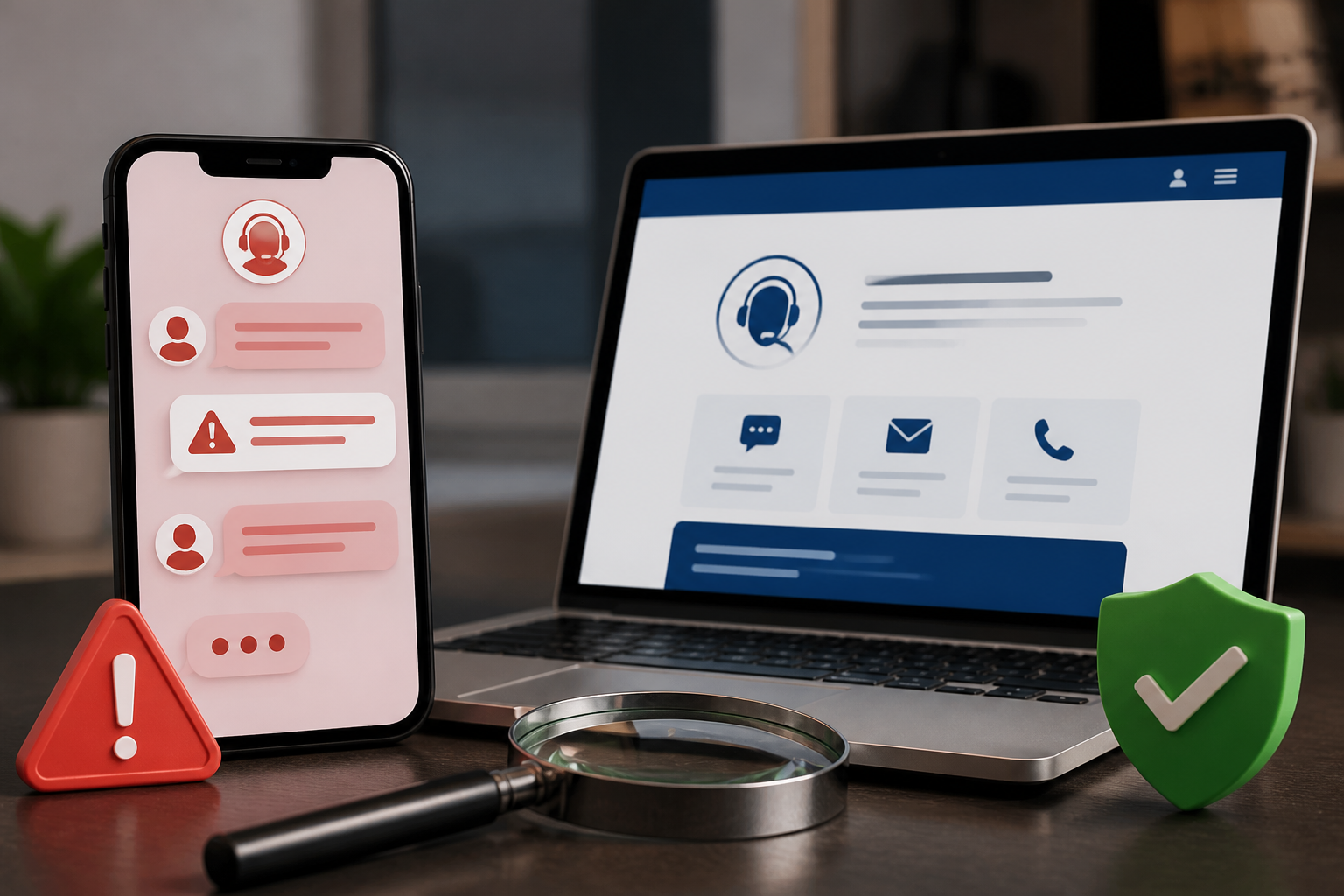
When experiencing issues with orders, accounts, marketplace accounts, or digital services, many people immediately seek help through social media. This is where scammers often insert themselves: replying to comments, sending private messages, or creating accounts with names that are almost identical to official services.
The problem is, fake accounts do not always look amateurish. Profile pictures can be copied, follower counts can be made to look convincing, and the language used can mimic customer service style. Therefore, a verification tick or a professional appearance alone is not enough to ensure that you are speaking with an official party.
How do fake customer service scams work?
The modus operandi usually starts from a situation you are currently experiencing. For example, you write a complaint about a package that hasn’t arrived. Shortly after, an account claims to be a company representative and offers assistance via private message.
The account then asks you to do one of the following:
- fill out a form via a specific link;
- provide a phone number, email address, or verification code;
- send a photo of your ID or payment card;
- install an app for “verification” or “technical assistance”;
- pay an administration fee, unblock fee, or refund.
This pattern includes impersonation scams, which are scams that involve pretending to be a trusted party. The Federal Trade Commission explains that perpetrators can contact victims via phone, email, text messages, or social media, then create fake problems to get victims to provide information or payments.
Five checks before responding
1. Check where the conversation started
If you contacted the company through its official app or website, a reply from the same channel makes more sense. Conversely, be wary of accounts that suddenly contact you after seeing public comments, especially if you never requested help via private message.
Also, check if the account has a reasonable activity history. Newly created accounts, those that only contain promotional posts, or frequently copying the same comments should be treated with suspicion. However, even accounts that appear old are not necessarily safe, as official accounts can be hacked or impersonated.
2. Don’t rely solely on the verification tick
Verifying an account can help, but it is not absolute proof that every incoming message is truly safe. What needs to be checked is the match of the username, website address, service number, and communication channels with the information listed on the official site or app.
Small differences often serve as important clues. For example, the company name may use additional letters, dots, numbers, or spellings that resemble the original account. Perpetrators can also use low-quality logos or slightly different profile pictures.
3. Don’t use links and phone numbers from messages
This is the most important step. If a message asks you to click a link or call a specific number, do not use it directly. Open the official app or type the company’s website address manually, then look for the help menu from there.
The principle is simple: verify through channels you find yourself, not through information provided by someone whose identity has not been proven. CISA also advises users not to click links, open attachments, or call numbers in suspicious messages. Look for the company’s contact information through its official site.
4. Be wary of time pressure and secret requests
Scammers usually want to reduce your time to think. Phrases like “the account will be closed in 10 minutes,” “the order must be confirmed now,” or “don’t tell anyone” are designed to make you act out of panic.
Legitimate customer service may require certain data to check transactions, but they should not ask for passwords, PINs, OTP codes, or account recovery codes. An OTP code is a one-time code used to ensure that someone truly has access to a specific number or device. If this code is given to a scammer, they can use it to take over the account.
5. Match transaction information from original sources
If a message mentions a payment, shipping, or refund issue, do not just trust the screenshots sent. Check the transaction history directly in the official app, bank account, or familiar notification emails.
Visual evidence can be easily forged. Even the sender's name and logo in an email can be made to resemble the original company. Google advises users to check the sender's address and ensure that the link address truly leads to the appropriate domain, not just looks convincing.
What not to give through chat
- passwords and PINs;
- OTP codes or verification codes;
- account recovery codes;
- full payment card numbers and CVV;
- ID photos without clear reasons and official channels;
- remote access to your phone or computer;
- money for fees not listed in the official app or site.
It is important to distinguish between data requests within the official app and requests via private messages. A company may request certain information through a secure support system. However, similar requests through unverified social media accounts should be treated as a risk until proven otherwise.
If you have already responded or provided data
Do not wait until money is lost to take action. If you provided a password, change it immediately through the official app or site. Use a unique password and log out of sessions from unknown devices. Enable multi-factor authentication if available, which is an additional layer of verification beyond the password.
If OTP codes, card data, or account information have already been provided, contact your bank or service provider through the official number. Request blocking or transaction checks if necessary. Keep screenshots, account names, phone numbers, website addresses, and timestamps for reporting purposes.
Report fake accounts to the platform where the account operates. If the scam involves a transaction, also report it to the payment provider and relevant authorities immediately. Do not forward the message to others without explanation, as incomplete warnings can also spread dangerous links.
What does this mean for us?
Digital security is not just about installing antivirus software or creating long passwords. We also need to build the habit of checking the identity of our conversation partners before following their instructions.
Use a simple rule: stop, search for the official channel on your own, then verify. If there is a request for money, secret codes, or device access, consider it a warning sign until you find strong evidence that the request is legitimate.
In situations like this, taking a few minutes to think is far better than quickly losing your account, money, or personal data.
Sources & further reading
- Business Impersonator Scams - Federal Trade Commission
- Avoid Phishing Scams with Secure Our World - CISA
- Avoid & report phishing emails - Google Gmail Help
– Rio Yotto @rioyotto