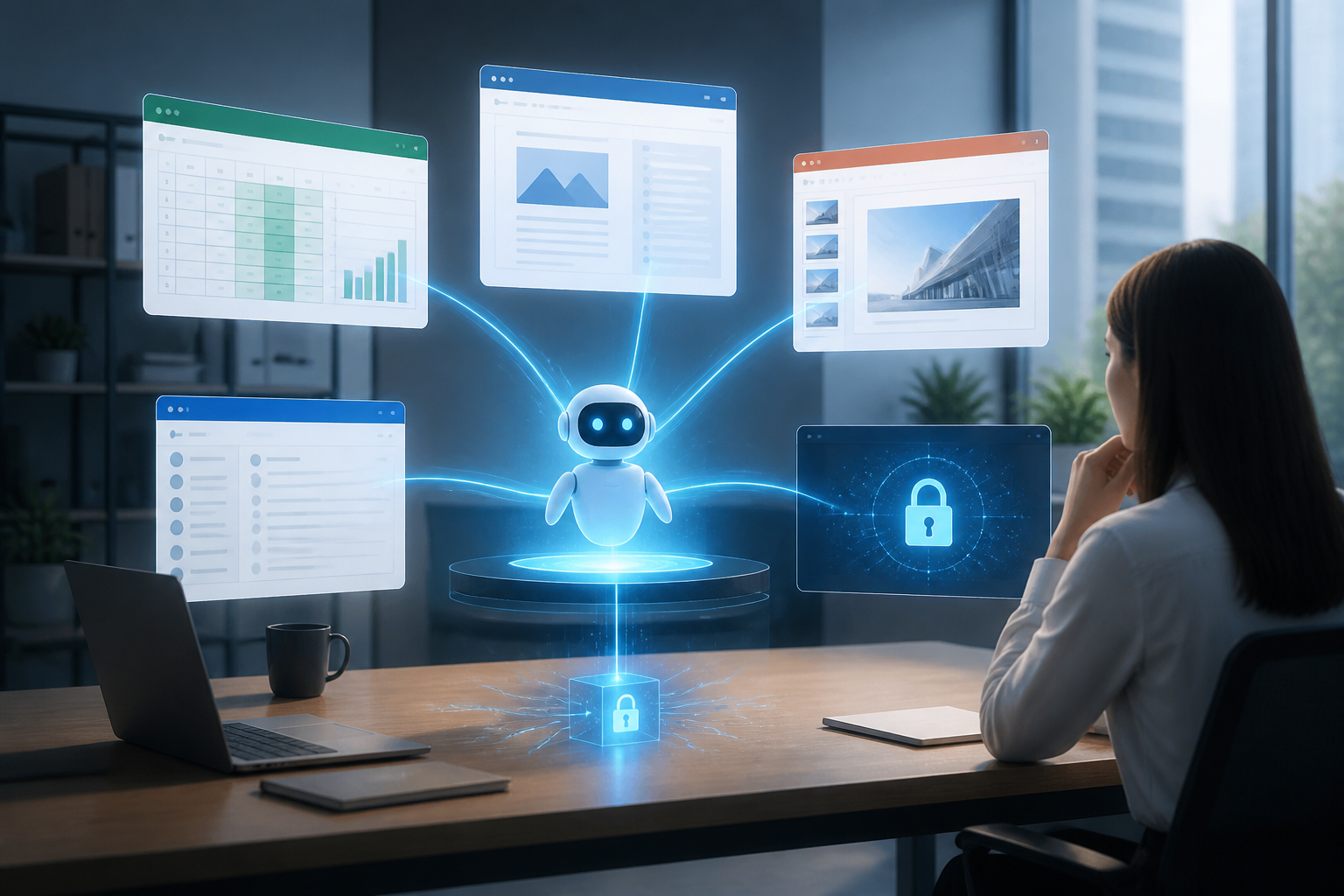
AI agents are evolving from chatbots that wait for commands into digital workers capable of executing a series of tasks. They can read data, use tools, make decisions among several steps, and return results without needing to be directed every minute.
This change is significant because real work is rarely completed within a single application. A report, for example, might start from a spreadsheet, continue with document searches, be summarized into a text document, then presented in slides and sent via email. Until now, humans have acted as the link that transfers context from one place to another.
By 2026, AI companies began building agents that take over some of that linking work. Anthropic, for instance, introduced agents for financial tasks that can work across Excel, PowerPoint, Word, and Outlook. Google also added background execution capabilities, connections to remote servers, and the calling of specific functions for agents built through the Gemini API.
This means that AI competition is not just about who has the smartest model. Competition also lies in who can make AI understand workflows as a whole.
From Chatbots to a Layer of Work Above Applications
Traditional chatbots typically operate like consultants: users ask questions, the system responds, and then the conversation ends. AI agents function more like operational assistants. They receive goals, break them down into several steps, use available tools, and check some results before proceeding.
In software development, this pattern is seen in agents that can read repositories, run code, find issues, and then make changes. In office work, the same pattern can be used to create sales analyses, prepare meeting materials, or draft responses based on existing data.
The main difference lies in context. Context is the information that helps AI understand what is being worked on, for whom, based on what data, and what rules must be followed. Without context, an agent may generate text that seems reasonable but does not fit the business conditions or the working habits of a team.
Recent Developments: Context Begins to Move Between Tools
In an announcement on May 5, 2026, Anthropic stated that their agents can carry knowledge and context from Excel to PowerPoint, Word, and Outlook through Microsoft 365 add-ins. For example, work that starts from a financial model can continue into presentation materials without the user having to re-explain the figures and analysis goals.
Google took an infrastructure approach. On July 7, 2026, Google announced the Managed Agents capability in the Gemini API to perform tasks asynchronously in the background. Agents can work in isolated environments, use code execution, access remote servers via the Model Context Protocol or MCP, and continue work after network credentials are updated.
The MCP itself can be understood as a standard way to connect AI models with external tools or data sources. With this connection, agents can not only read text in conversations but also interact with internal systems, code repositories, databases, or specific business services.
These facts indicate a clear direction: AI is starting to be positioned as a layer of work above various applications. However, this does not mean that all work becomes automated immediately. In fact, the more tools an agent can use, the more important access rules and workflow design become.
The Biggest Risk is Not Just Wrong Answers
The risks of AI agents are often imagined as incorrect answers. In systems that have access to many applications, the issues can be broader. Agents can pull incorrect data, send documents to the wrong recipients, alter important files, or perform actions that have not actually been approved.
A study by Anthropic in February 2026 on millions of human-agent interactions found that the longest-running Claude Code sessions increased from less than 25 minutes to over 45 minutes in three months. Experienced users also tended to activate automatic approvals more often, but still interrupted more frequently when they saw something that needed correction.
These findings provide an important lesson: good oversight does not mean humans must approve every small step. Good oversight means humans can see what the agent is doing, understand key decision points, and stop it when necessary.
In other words, a mature AI system requires three things: limited permissions, a clear activity trail, and approval points for high-risk actions.
What This Means for Workers and Small Teams?
For individual workers, this development opens opportunities to reduce repetitive administrative tasks. A small business owner can ask an agent to gather sales data, identify declining products, create summaries, and then compile a list of actions for the following week.
However, these benefits do not automatically arise just because an application has AI features. Agents still need clean working materials. File names must be understandable, data needs to have sources, business rules must be documented, and users need to explain what can and cannot be done.
Teams that do not have process documentation are likely to face problems. Agents can work quickly, but they can also accelerate chaos if internal procedures are unclear. A poor process, when automated, usually becomes a poor process that runs more frequently.
What Can Be Done Now
- Start with one workflow. Choose a repetitive task that has easily verifiable outcomes and does not directly impact high-risk decisions.
- Separate read and write access. In the early stages, allow agents to read data and create drafts. Delay permissions for sending emails, deleting files, or altering core systems.
- Create context packages. Store definitions of terms, examples of good outcomes, formatting rules, lists of exceptions, and data sources in documents that agents can easily reference.
- Define approval points. Agents can prepare reports, but humans must still approve sending them to clients. Agents can suggest code changes, but those changes must be reviewed before going into production.
- Measure outcomes, not just speed. Track time saved, the number of errors, how often humans need to correct results, and the computational costs incurred.
Conclusion
The development of AI agents in 2026 shows that the future of productivity is not just about having smarter chatbots. The greatest value emerges when AI can understand context, move between tools, and perform work within boundaries designed by humans.
For users, the right question is not “can AI do everything?” A more useful question is “which parts of my workflow are safe to delegate, what data needs to be provided, and when should humans take over?”
If context is the fuel for agents, then permissions, documentation, and audits are the brakes. Both need to be built together for AI to truly assist work, rather than just adding another source of problems.
Sources & Further Reading
- Agents for financial services
- Expanding Managed Agents in Gemini API: background tasks, remote MCP and more
- Measuring AI agent autonomy in practice
– Rio Yotto @rioyotto